
Cloud-based, with an app
Your records live in the cloud and open on any device. Phone, tablet and desktop, with push notifications when something you watch changes.
The map and your checks are free. The records, the client work and the money side sit behind an account, in one place instead of five.
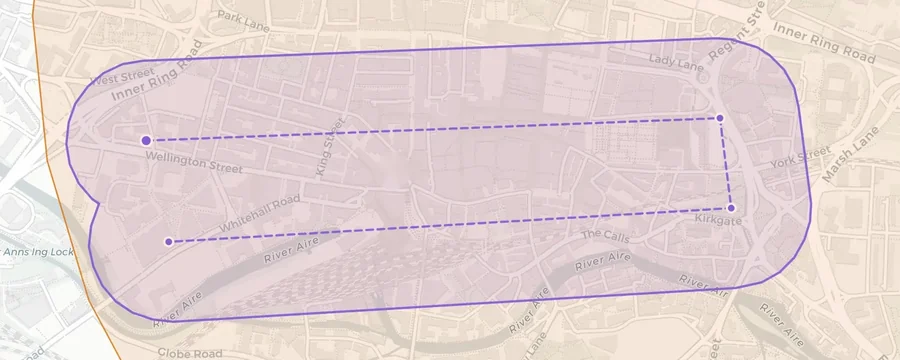
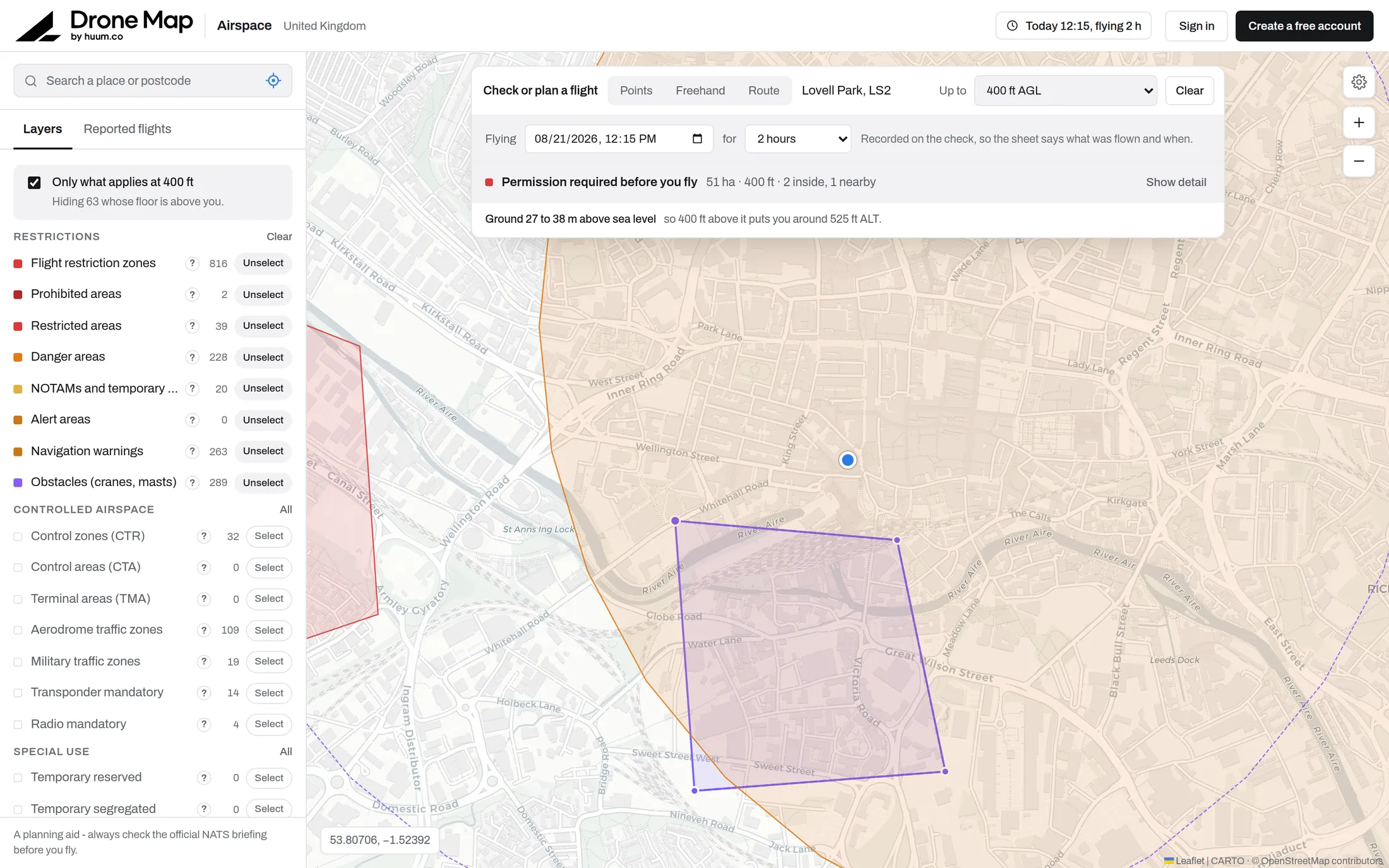
Every UK restriction zone, controlled airspace boundary and live NOTAM, filtered down to what matters below 400 ft. Hover for limits, click for the full record.
FreeDraw your operating area, set the window and height, and get a plain-English verdict with every finding explained. Export it as a dated record.
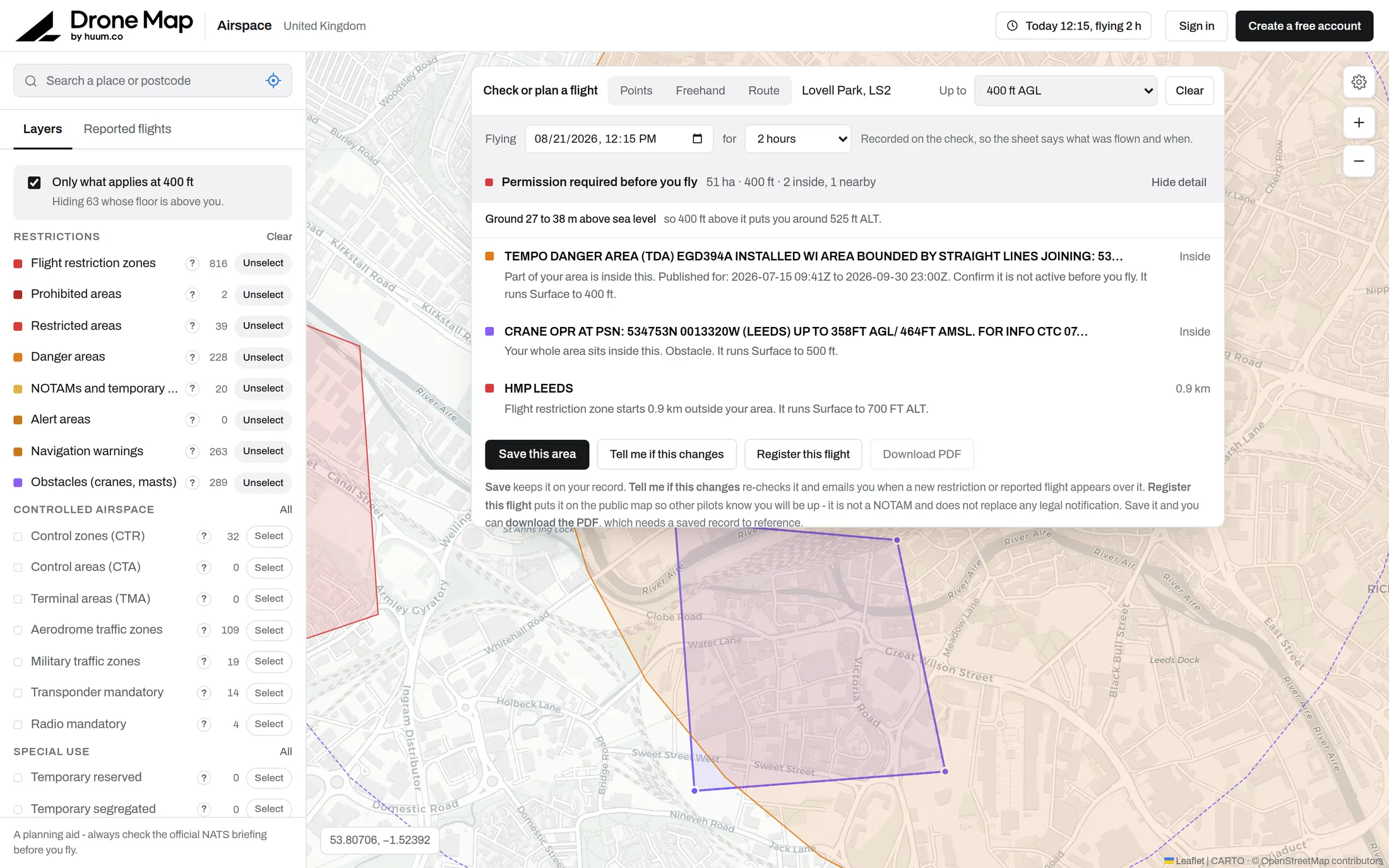
See how a check works On the mapSee moreSites you fly often, re-checked and flagged when something changes.
Pro and TeamSee moreAircraft, pilots, documents and every flight logged, with expiry flagged 60 days out.
Pro and TeamClients, their sites and contacts, jobs and quotes. Assign the pilot and the aircraft, then attach the flight check and the SOP to the job they belong to.
See the CRM Pro and TeamTurn a quote into an invoice, send it with a Stripe payment link, and see what has been paid without leaving the job.
See invoicing Pro and TeamA standard operating procedure assembled from records you already hold, ready for your accountable manager to adopt.
See the SOP generator With our partnersSee moreSpecific category work. We put you in touch with our UK SORA partners.
With our partnersSee moreRPC-L1 and the GVC conversion. We put you in touch with our training partners.
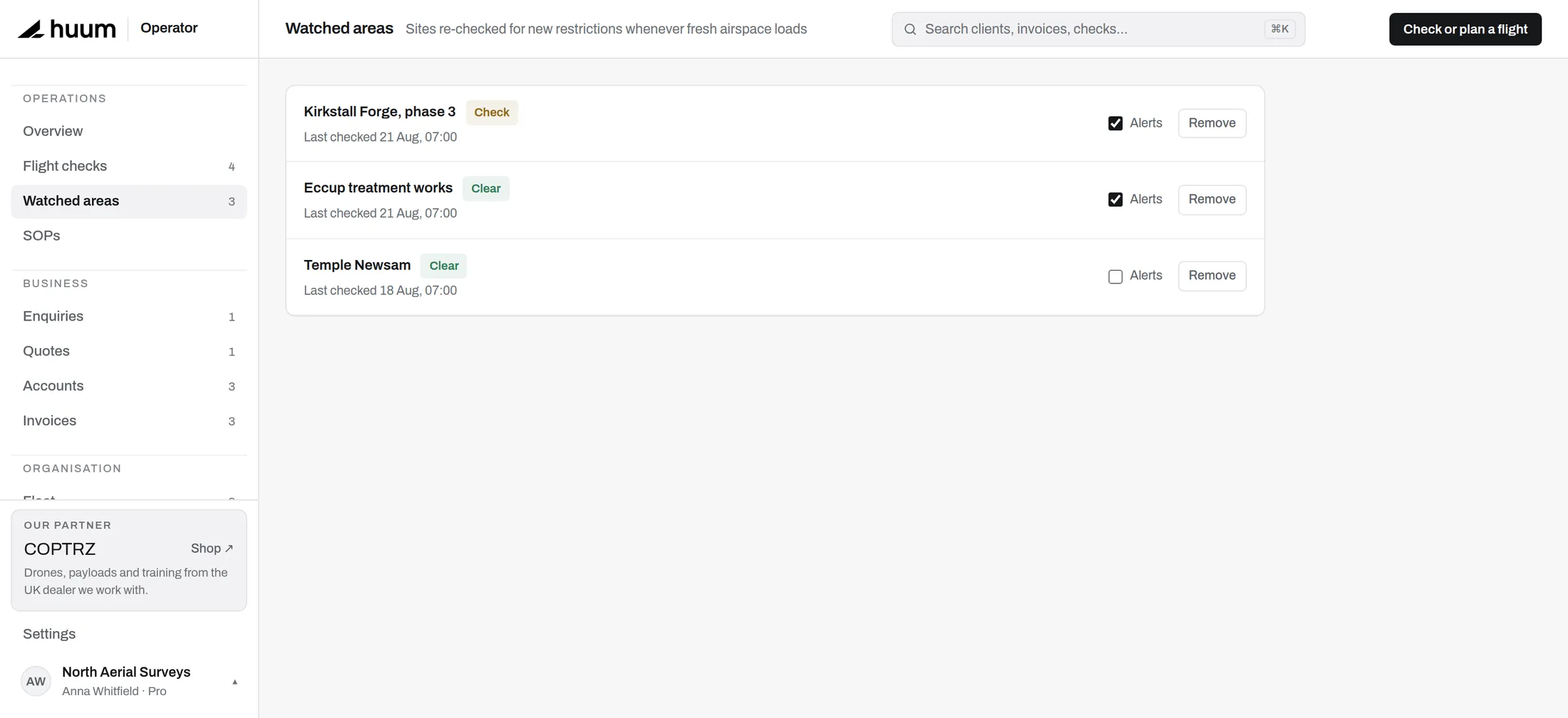 Last run: flyable with checks
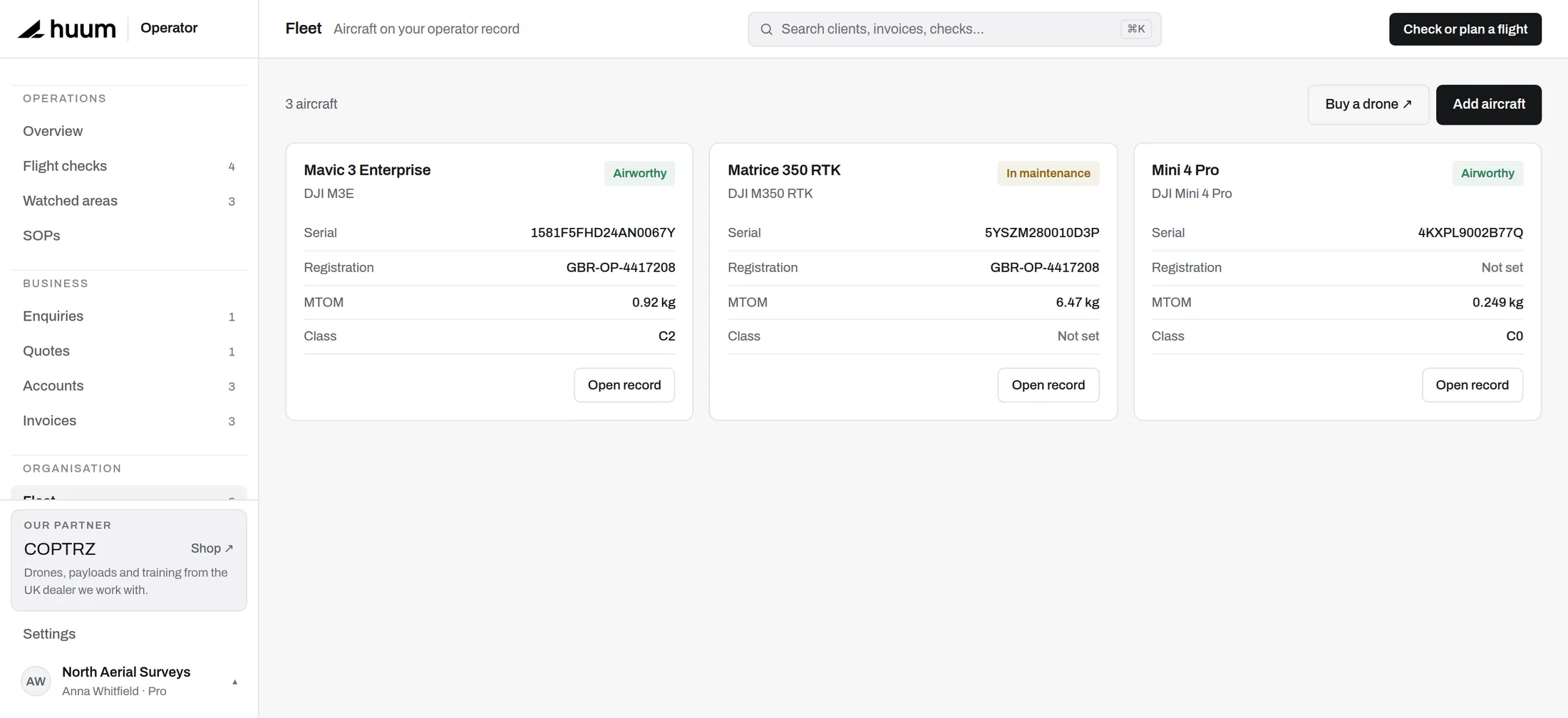 Airworthy. Class C2, 0.92 kg
Your records live in the cloud and open on any device. Phone, tablet and desktop, with push notifications when something you watch changes.
The last airspace picture you loaded stays on the screen. Check before you leave and it is still there when you arrive.
Real authentication, with per-organisation isolation enforced in the database itself rather than only in the app.
The map and your checks are free. Looking needs no account; checking needs a free one.